

Grok Build Workbench is a desktop app for working with Grok on real projects. Projects sit in a sidebar on the left. Each project can have several chats at the same time. Grok can read your files, edit them, open web pages inside the app, and work with git — without you jumping between windows.
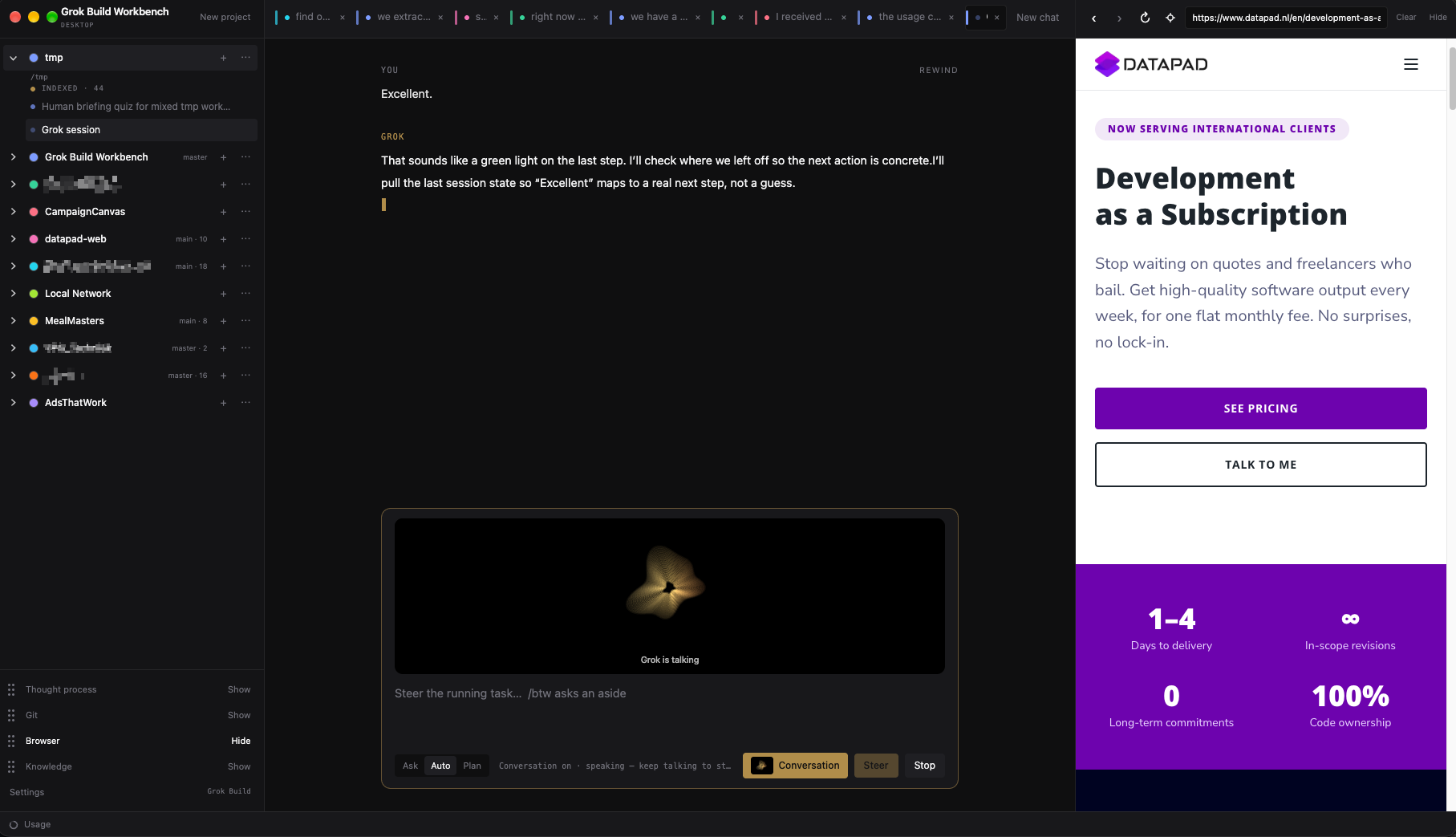
It is an unofficial desktop for Grok Build. It is not affiliated with, endorsed by, or sponsored by xAI. “Grok” and “Grok Build” are their marks. If you already use Grok in the terminal, this is the same assistant in a proper workspace. If you do not, you still sign in once with Grok Build, then work from the app.
The project is open source. A packaged app is currently available for macOS. Windows and Linux are not supported yet.
What you can do
- Keep every project in one sidebar, each with its own chats.
- Run several chats at once. Switching tabs does not cancel Grok.
- Attach a folder so Grok can see and change those files.
- Index a codebase with Codegraph so Grok finds the right files and functions.
- Open web pages in a built-in browser — Grok uses this pane too.
- Point at a piece of a page (Annotate) and send it to Grok with a note and a screenshot.
- Talk to Grok with Voice, or start Conversation mode for a live listen-and-speak loop.
- Watch Grok’s Thought process pane — thinking, tools, and file edits as they happen.
- Open Knowledge for a graph of project notes (and your own Obsidian vault).
- See git status, stage files, commit, and switch branches next to the chat.
- Choose how much Grok may do on its own: ask first, auto-approve, or plan first.
- Rewind a chat and its files if a change went the wrong way.
Who it is for
People who want Grok as a coding partner, not a single throwaway chat. Designers, developers, and makers who keep more than one project open, and want the conversation, the files, and the browser in one place.